
 New in 2.0: copies go straight back into Photos
Get your iCloud space back. Keep every video.
VidFeather finds the 4K videos filling your Photos library, shrinks them by up to 90%, and puts them back in the same albums, with the same dates, places, HDR and Dolby Vision.
- Free for your first 3 videos
- One-time purchase
- Nothing leaves your Mac
What it did to our own library
- Videos compressed
- 98
- Before and after
- 248 GB→30 GB
- Space freed
- 219 GB
- Smaller overall
- 88%
The developer’s own iCloud Photos library, compressed with VidFeather and its earlier private versions. The biggest clip went from 23.8 GB to 1.6 GB.
Pay once instead of every month
When your library outgrows its iCloud plan, the next tier costs more every month for as long as you keep it. Shrinking the videos you already have costs $29, once.
200 GB to 2 TB
+$84/year
From $2.99 to $9.99 a month
2 TB to 6 TB
+$240/year
From $9.99 to $29.99 a month
VidFeather Pro
$29 once
Up to 3 Macs, no subscription
iCloud+ prices in the United States, November 2026.
Can you see the difference?
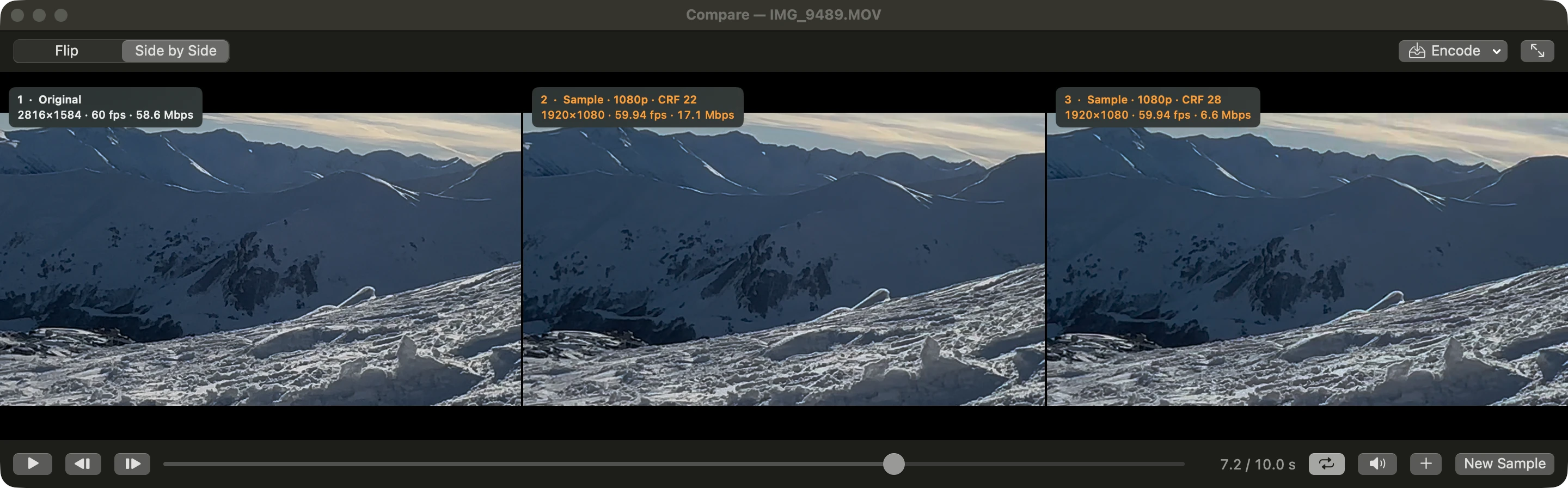
Drag the slider. On the left, the original iPhone clip at 58.6 Mbps. On the right, VidFeather’s 1080p copy at 17.1 Mbps, less than a third of the size.
- Still Dolby Vision
- Still 60 frames per second
- Try it on your own clips before you commit
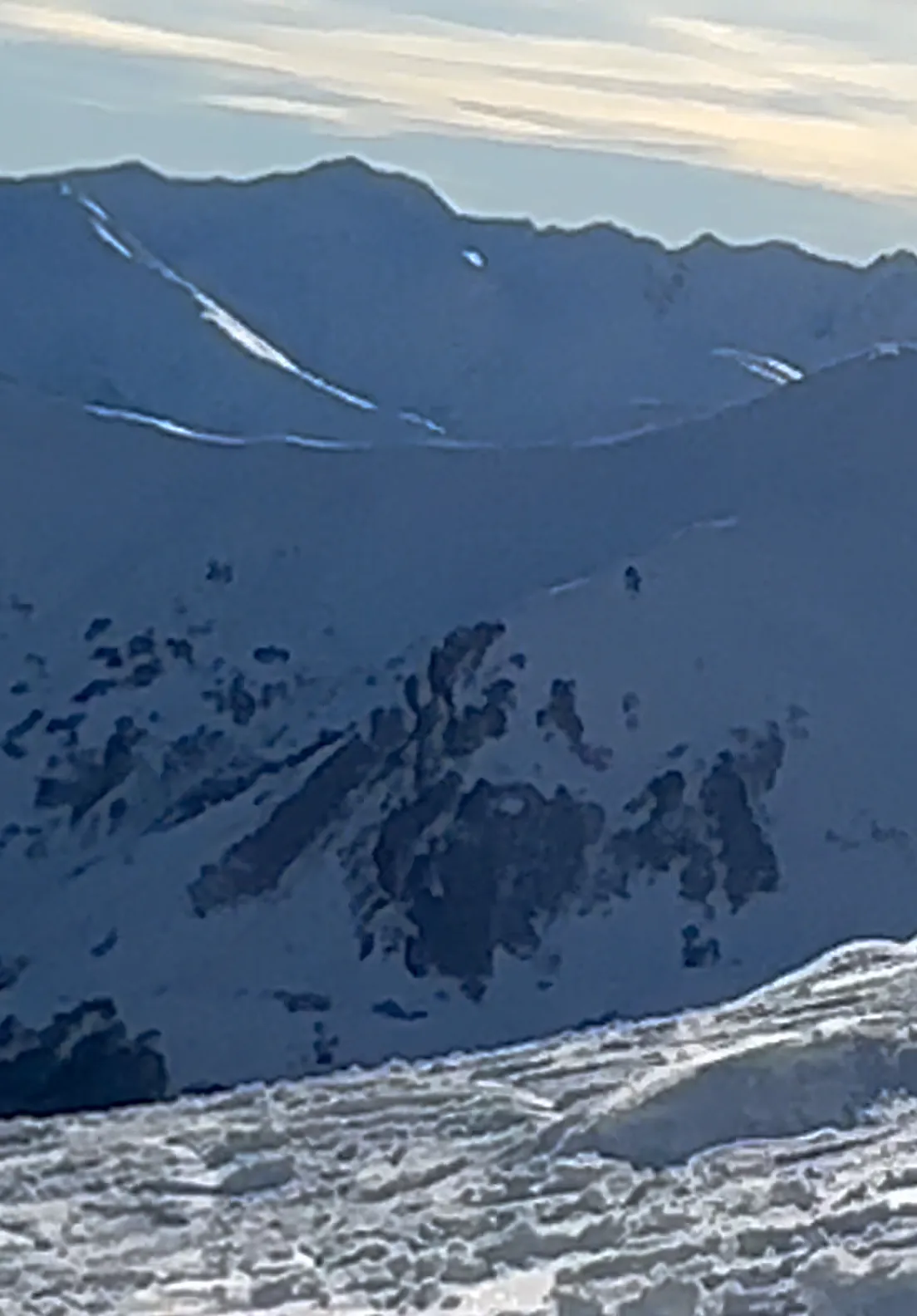 Original · 58.6 MbpsVidFeather · 17.1 Mbps
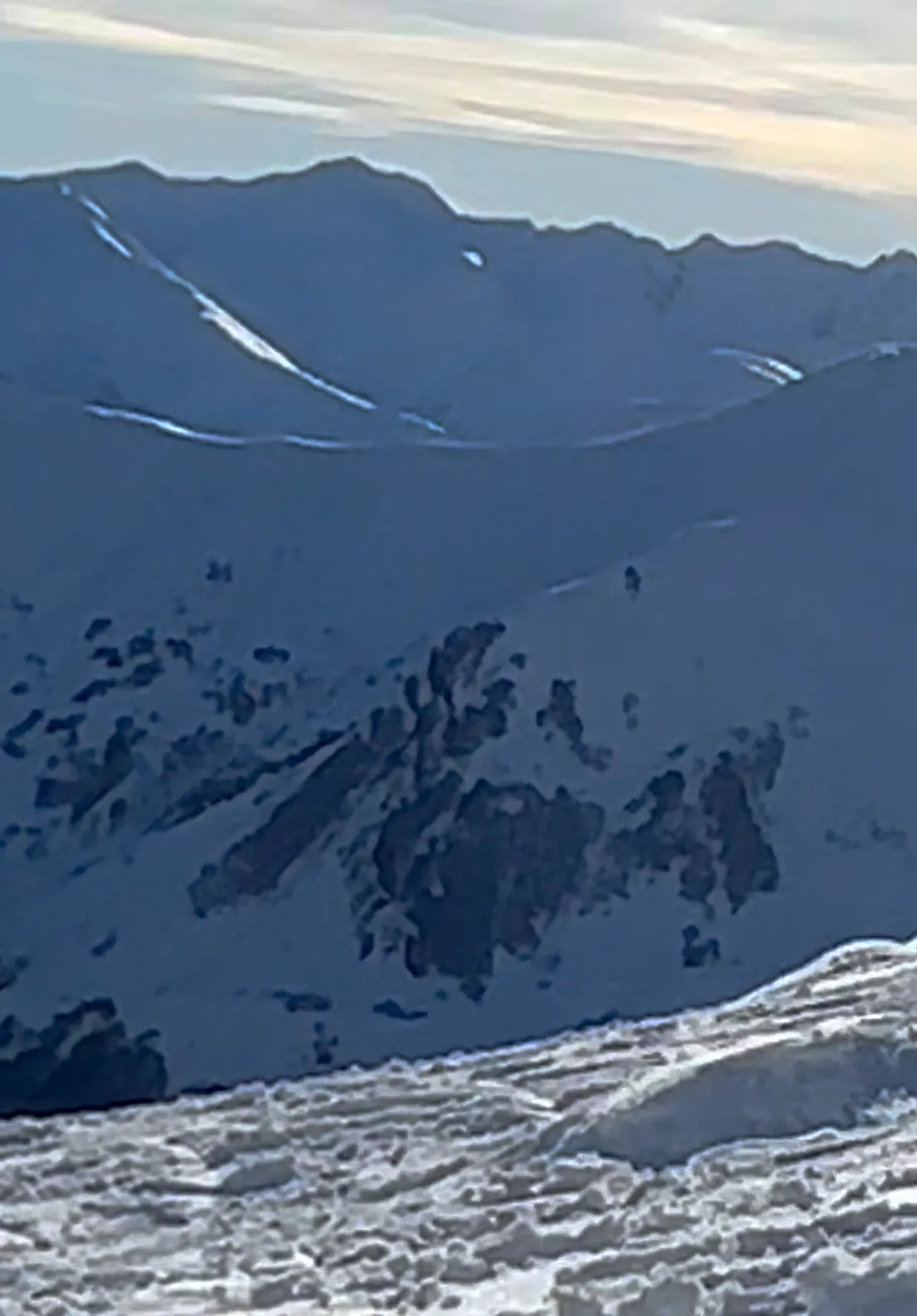
The same frame of the original and of a Compare sample at the default setting.
Smaller file. Same memory.
Everything that makes a video yours comes along to the copy, and VidFeather checks that it did.
Albums
Back in every album you made
Favorites
Favorite and Hidden, as before
Date and time
Same day, same time zone
Location
Same place on the map
Titles and captions
Keywords too, checked after
Camera and lens
Model and focal length
HDR
10-bit HDR stays HDR
Dolby Vision
From iPhone, frame by frame
Photos doesn’t let any app add to shared or smart albums or assign People. When that applies, VidFeather tells you in the job notes. Details
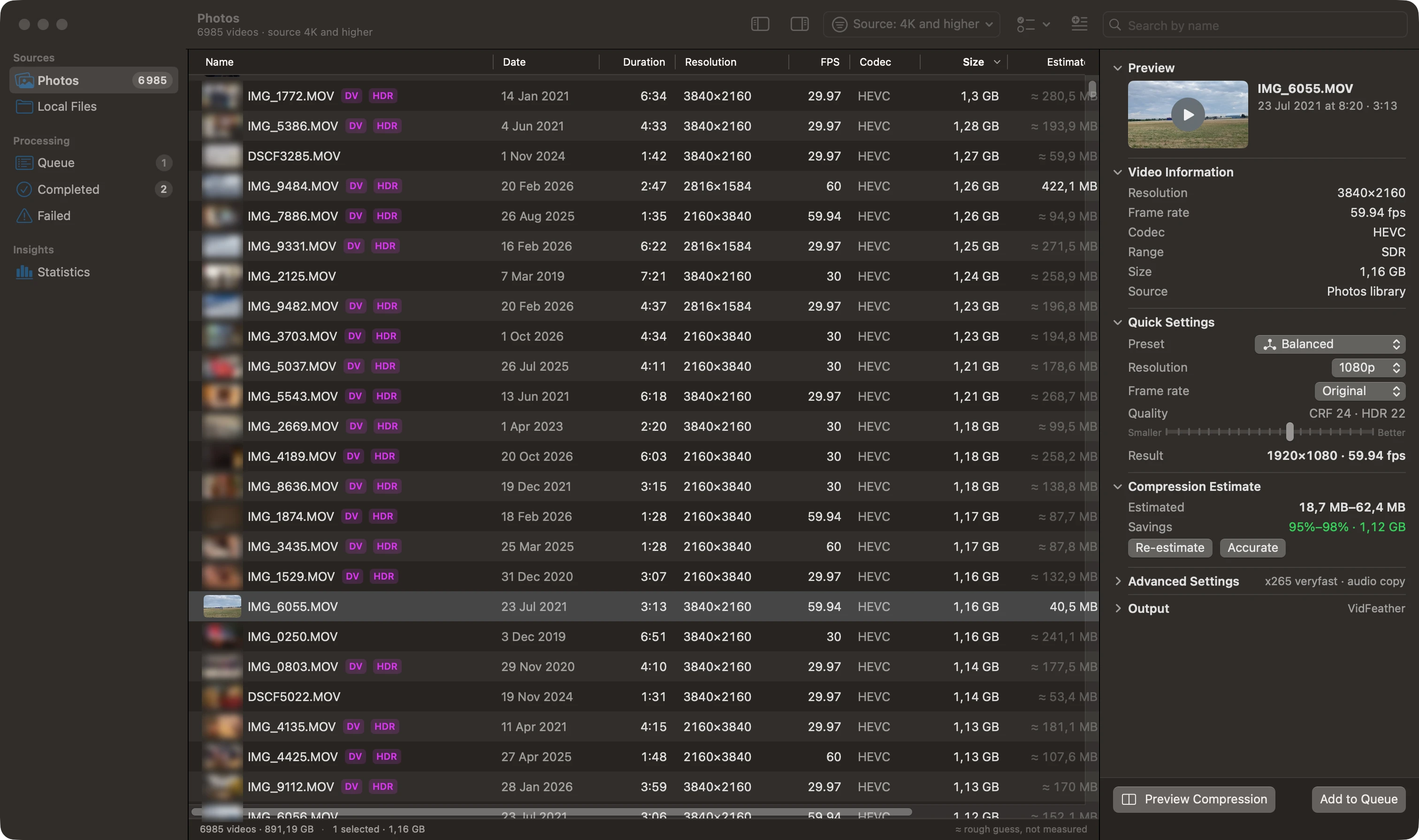
Three steps to a lighter library
1
Find the space hogs
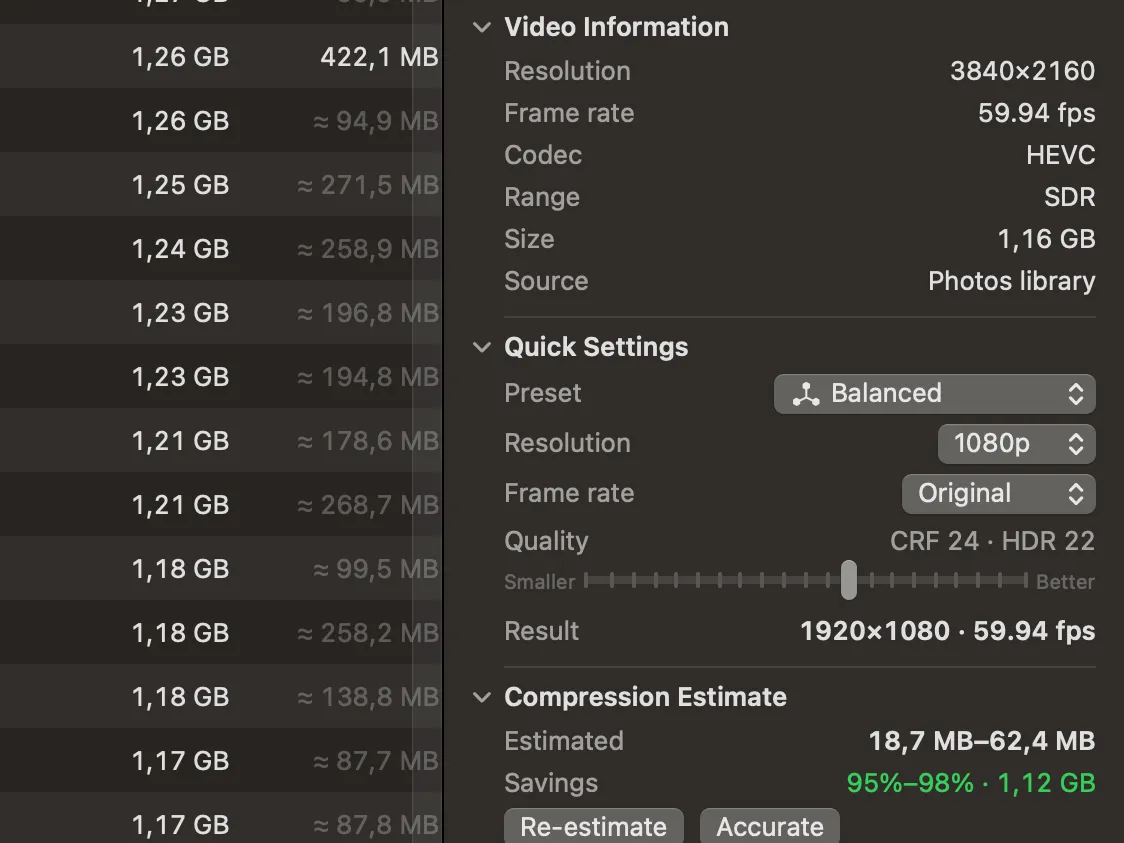
Every 4K video in your library, biggest first, with the size it will be after.
2
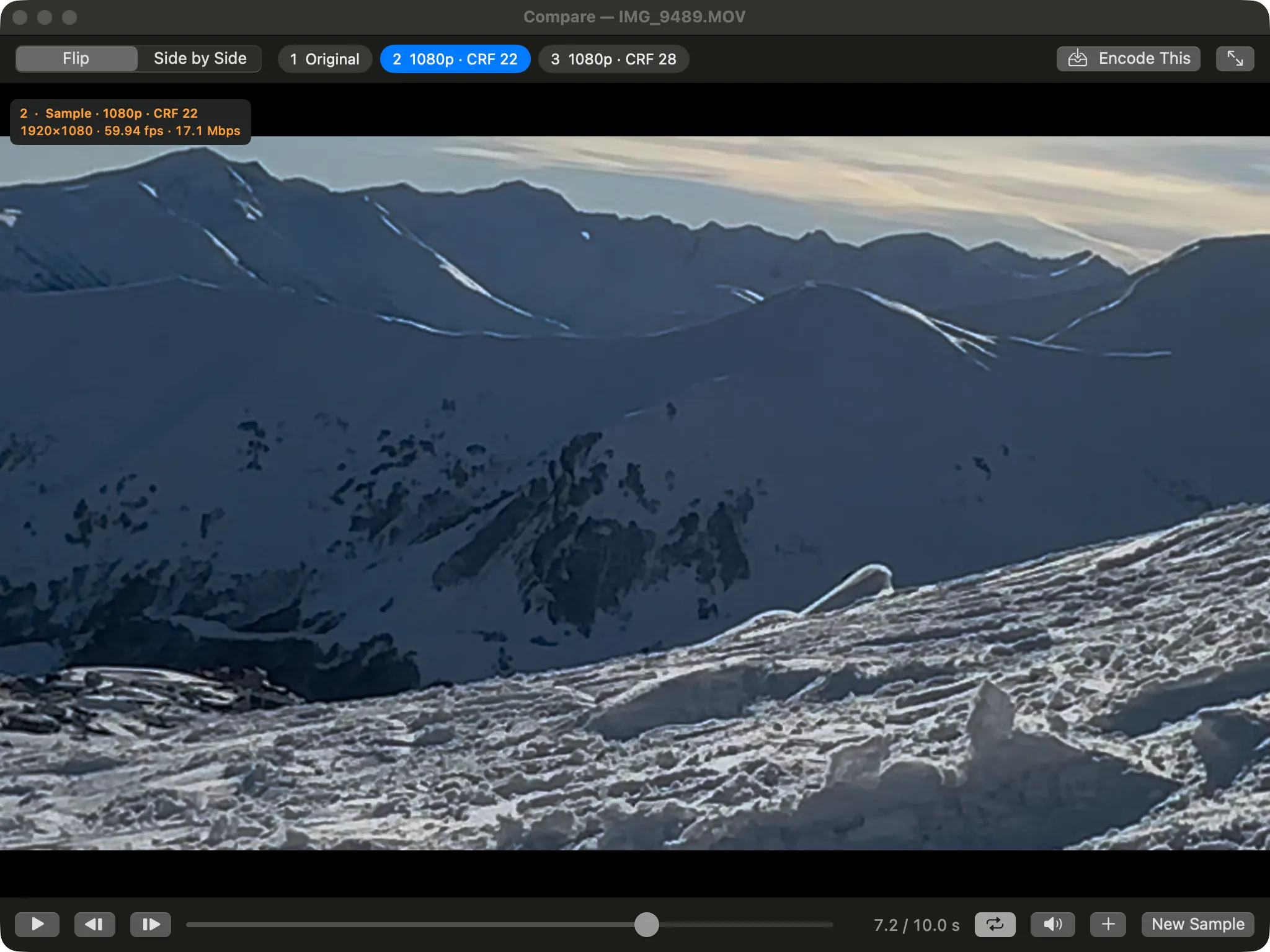
Check the quality
Watch a few seconds in up to six versions and pick what looks right to you.
3
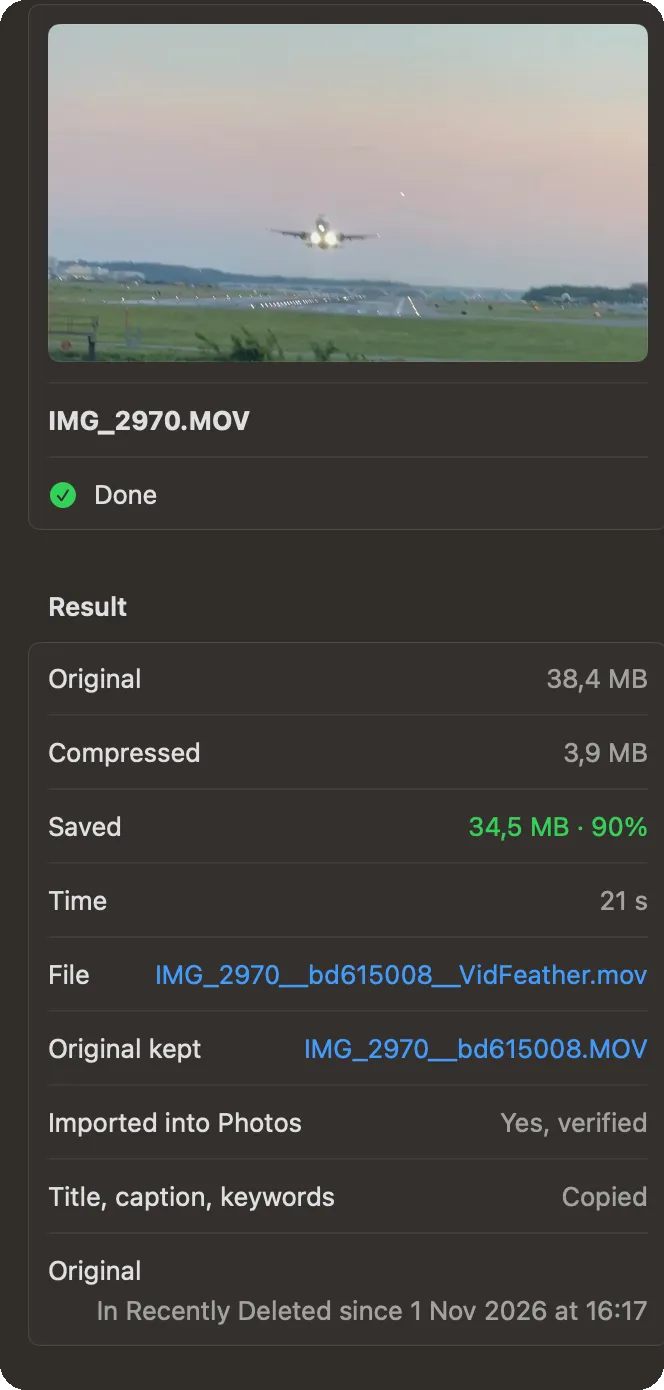
Get the space back
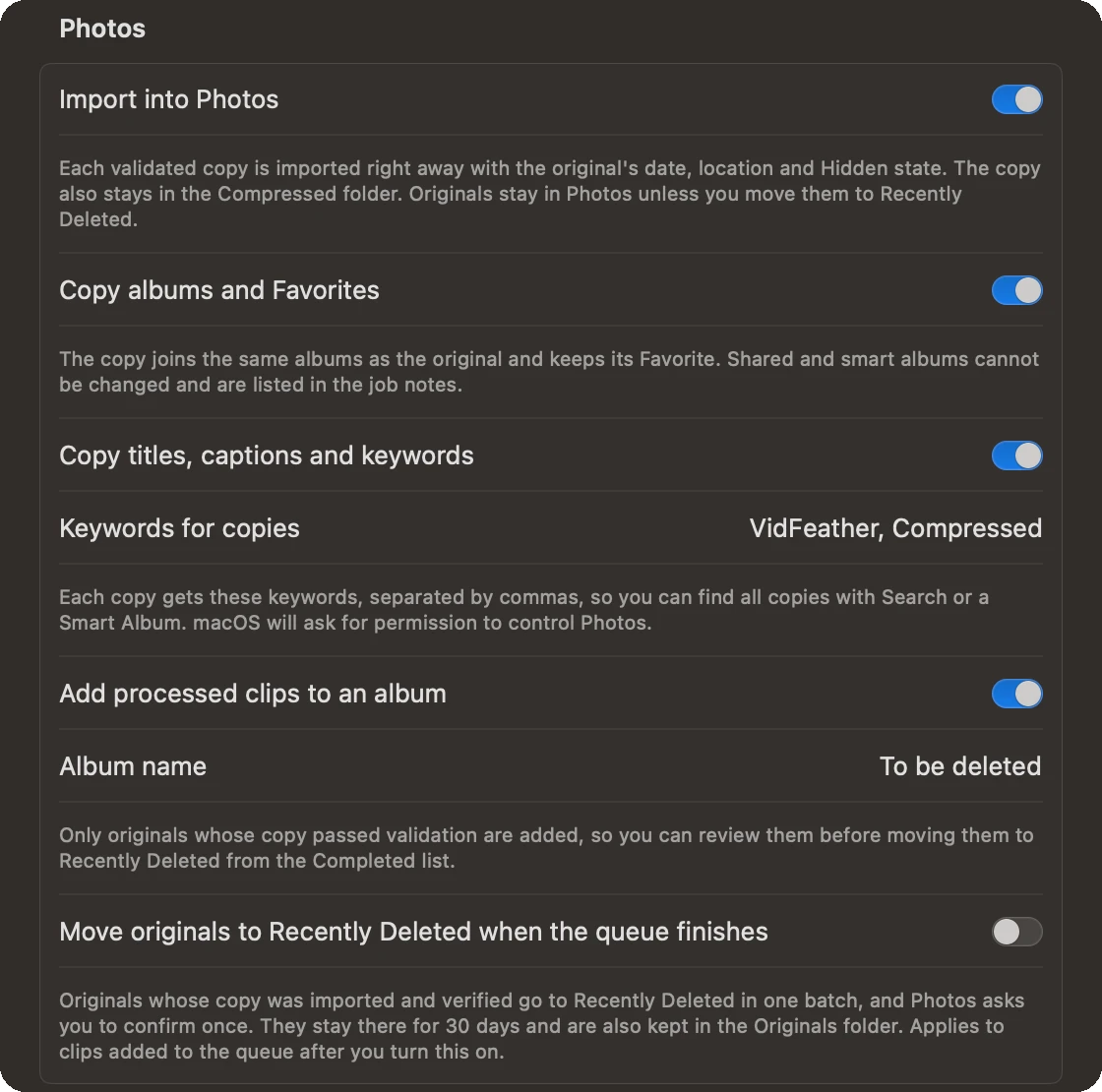
Copies land in Photos and are checked. Then you move the originals out with one button.

Built so you can’t lose a memory
Every copy is checked
Length, date, place, camera, HDR, Dolby Vision and playback are verified before a copy goes anywhere. A copy that fails is never imported.
Originals stay until you decide
They go to Recently Deleted only when you press the button, and macOS asks you to confirm. Photos keeps them there for 30 days.
A spare copy on your Mac
Each original is also saved to a folder you can move to an external drive or a NAS.
Nothing leaves your Mac
No account, no analytics, no uploads. Your videos are processed on your Mac and nowhere else.
Made for iPhone HDR and Dolby Vision
Most compressors flatten iPhone HDR into dull SDR. VidFeather keeps the 10-bit HDR picture and the Dolby Vision data of every frame, then checks both against the original.
- 10-bit HDRHLG and PQ stay HDR, with the original colors
- Dolby Vision 8.4Compared with the original frame by frame
- Same brightnessThe iPhone’s scene brightness track comes along
The details are done right
Compare up to six versions
Side by side or flipped in place, with playback in sync.
Size estimates you can trust
Short samples encoded with the exact settings of the real run.
Quiet mode
Keeps the fan under the speed you choose while it works.
A queue that keeps going
Survives restarts. Pause, retry and reorder any time.
Files outside Photos too
Drag in any video or folder from your Mac or a drive.
Never the same video twice
Copies you already made are recognized on every scan.
Other ways to deal with a full iCloud
| Compared | VidFeather | Buy more iCloud | Do it by hand |
|---|---|---|---|
| What it costs | $29 once | +$84 to $240 a year | Free |
| Your time | A few clicks | None | Hours per batch |
| Frees up space | |||
| Keeps albums and Favorites | |||
| Keeps date and location | Often lost | ||
| Keeps HDR and Dolby Vision | Expert settings | ||
| Checks every copy | – |
“By hand” means exporting, converting with a tool like HandBrake, fixing metadata and importing again.
Try it free. Pay once if you love it.
Free
$0
- Scan your whole library
- See how much space you’ll get back
- Compare versions side by side
- Fully compress 3 videos, no watermark
Pro
$29 one-time
- Everything in Free, unlimited
- Up to 3 Macs
- Works offline
- 14-day money-back guarantee
Questions
Will the copies look worse?
At the default setting the copy is 1080p at a quality chosen to look like the original on phones, laptops and TVs. Compare plays the original next to the copy on your own clips before you commit, so you decide.
Does VidFeather delete anything by itself?
No. Originals go to Recently Deleted only when you press the button, and macOS asks you to confirm. They stay there for 30 days, and a copy of each is saved on your Mac.
Do my videos get uploaded anywhere?
No. Everything happens on your Mac. VidFeather goes online only to activate a Pro license and refresh it about once a month.
What about videos that are only in iCloud?
They are listed like the rest. When you compress one, Photos downloads the original first. Copies sync back to your iPhone and iPad as usual.
Which Macs does it run on?
Macs with Apple silicon on macOS 14 Sonoma or later. Everything it needs is inside the app; there is nothing else to install.

Make room for new memories.
Free for your first 3 videos. $29 once for the rest.